python进行数据清洗、中文分词、统计词频、绘制词云

==============

python数据处理

数据导入

读取csv文件,简单清洗(没什么变化,数据集比较规范)

1
2
3
4
5
6
7
8
9
10
11
12
#加载训练集
import pandas as pd
#导入两个csv文件
train_dataset = pd.read_csv('yiqing.csv')
print("数据集数量: %d"%train_dataset.duration.count())
train_dataset.head(5)

#对测试集完全相同的数据进行删除
train_dataset.drop_duplicates(inplace=True)
#删除含有缺失值的行
train_dataset.dropna()
train_dataset.duration.count()

数据清洗

停用词、分词、只留下中文(我觉得在这个情况下只留下中文是比较合理的)

1
2
3
4
5
6
7
8
9
10
11
12
13
14
15
16
17
18
19
20
21
22
23
24
25
26
27
28
29
30
31
32
#数据清洗-去除中文以外的字符
import re
def worddrop(a):
drop=re.compile('[^\u4e00-\u9fa5]')
a=drop.sub('',a)
return a
train_dataset.keywords=train_dataset.keywords.apply(worddrop)
train_dataset.head()

import jieba
#导入停用词表
def stopwordslist(filepath):
stopwords = [line.strip() for line in open(filepath, 'r', encoding='utf-8').readlines()]

return stopwords
stopwords = stopwordslist('stopword.txt')
stopwords[:10]

#删除停用词
import time
start=time.clock()
def del_stopword(a):
old = jieba.cut(a)
new = ''
for word in old :
if word not in stopwords:
new += " "
new += word
return new
train_dataset.keywords=train_dataset.keywords.apply(del_stopword)
end=time.clock()
train_dataset.head()

存为文本

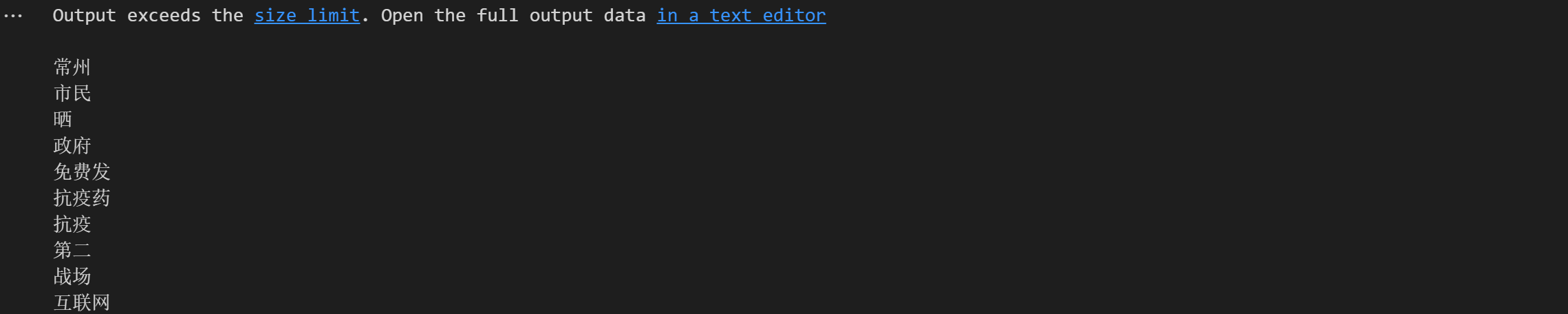
处理完之后,把分出来得到的所有词都转变为文本,存到txt文件中,这里的规则是遇到空格即换行,方便词云绘制时候的读取数据。

1
2
3
4
5
6
7
8
import pandas as pd

# 将keywords列转换为文本
keywords_text = train_dataset['keywords'].str.replace(' ', '\n').str.cat(sep=' ')

print(keywords_text)
with open('keywords.txt', 'w', encoding='utf-8') as f:
f.write(keywords_text)

效果如下图:

绘制词云

1
2
3
4
5
6
7
8
9
10
11
12
13
14
15
16
17
18
19
20
21
22
23
24
25
26
27
28
29
30
31
32
33
34
35
36
37
38
39
40
41
import jieba  # 分词
from wordcloud import WordCloud # 词云图相关
import matplotlib.pyplot as plt
import matplotlib.colors as colors # 处理图片相关内容
import numpy
from PIL import Image

# 生成词云
def get_wcloud():
# 读取文本
with open('keywords.txt', 'r', encoding='utf-8') as txt:
data = txt.read()
# 将文件中所有文字分词
words_list = jieba.lcut(data)
# 用空格分隔词语
tokenstr = ' '.join(words_list)
# 打开背景图片
color_mask = numpy.array(Image.open('yy5.png'))
# 自定义文字颜色
colormaps = colors.ListedColormap(['#6298c3','#78bad4'])
# 生成词云(默认样式)
# mywc1 = WordCloud().generate(tokenstr)
# 生成词云(自定义样式)
mywc1 = WordCloud(
scale=4,#清晰度!
mask=color_mask, # 指定背景图形状
colormap=colormaps, # 指定颜色
font_path='smallfont2.ttf', # 指定字体
background_color='white', # 指定背景颜色,默认黑色
width=400, # 指定宽度
height=600 # 指定高度
).generate(tokenstr)
# 显示词云
plt.figure(figsize=(16, 9), dpi=300)
plt.imshow(mywc1)
plt.axis('off')
plt.show()
mywc1.to_file('词云.png') # 生成词云图片

if __name__ == '__main__':
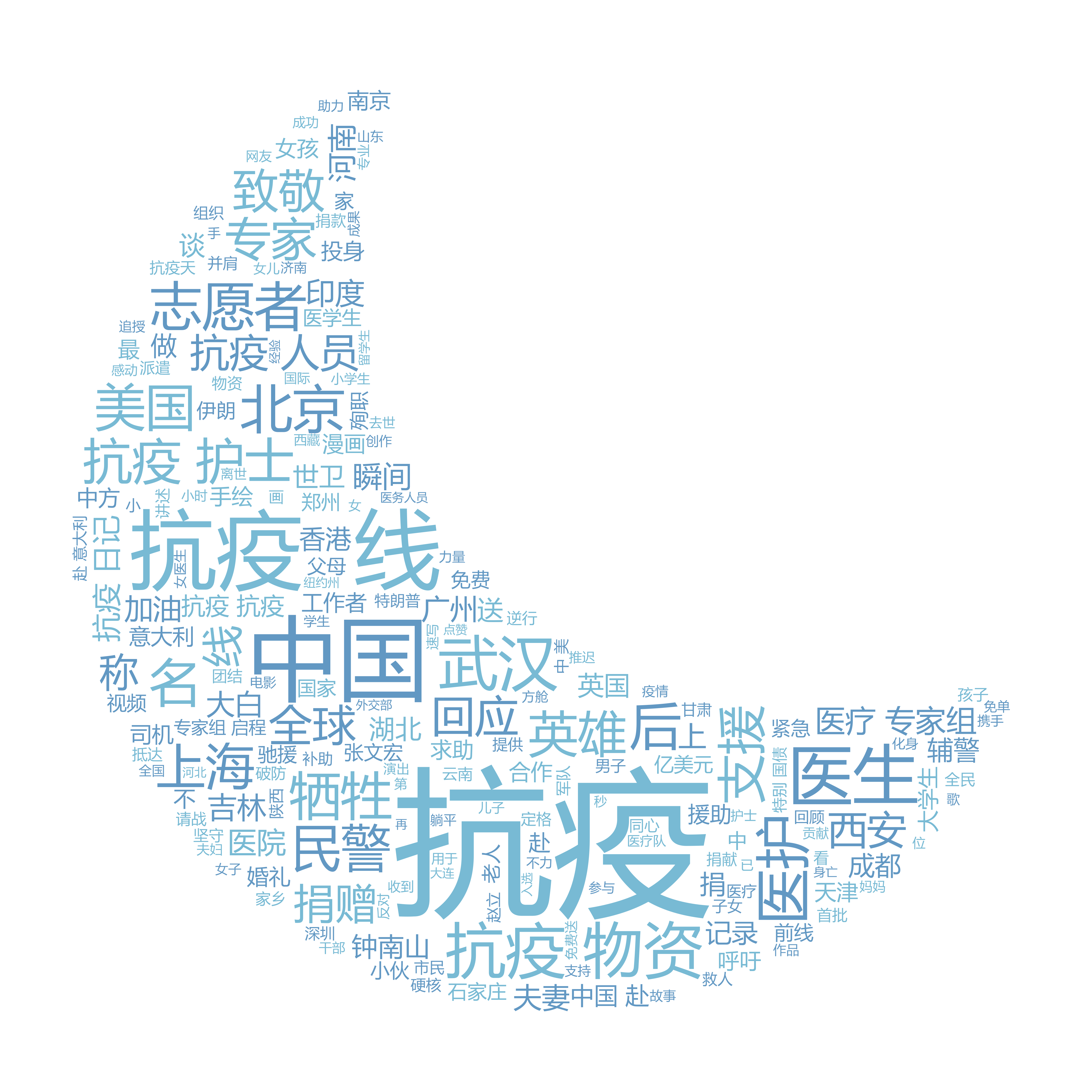
get_wcloud()

直接上效果图: